**How Does Later Work for Social Media Management?**
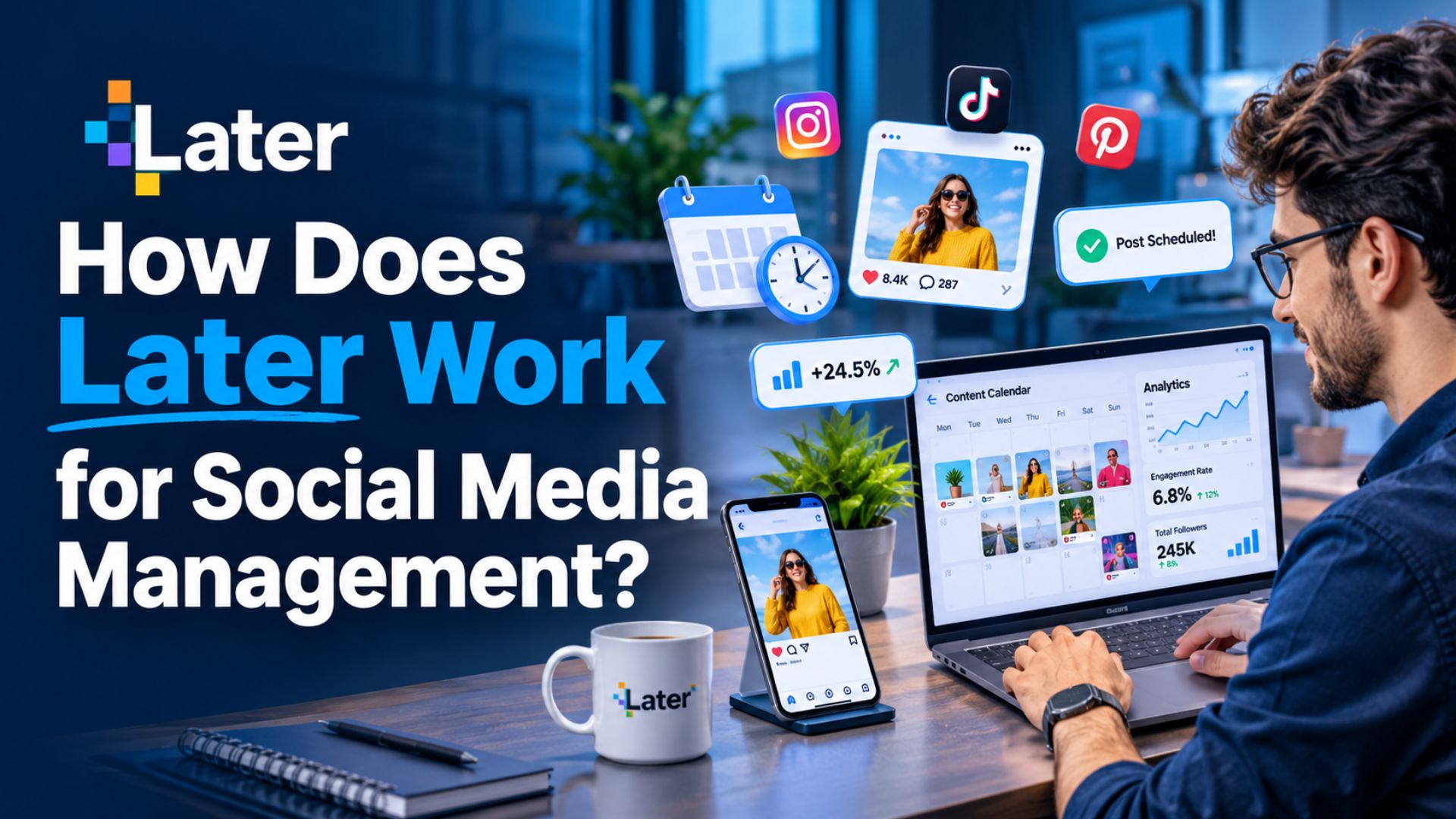
How can businesses manage multiple social media accounts, schedule content, and maintain a consistent online presence without spending hours publishing posts manually? Managing social media can become challenging when brands need to create content, organize publishing schedules, and monitor performance across different platforms.
Later is a social media management platform that helps businesses, creators, and marketers plan, schedule, publish, and analyze social media content. It provides tools such as a visual content calendar, media library, scheduling features, and performance analytics to simplify everyday social media activities.
By bringing important content management tasks together, the platform helps marketing teams save time, maintain consistency, and improve their social media strategies.
**What Is Later and Why Is It Useful?**
***[Later](https://socioboard.org/blog/how-to-use-later-social-media-scheduling-2027-guide/)*** is a social media management tool designed to make content planning and publishing easier. It allows users to organize their social media activities through a centralized dashboard instead of managing every account separately.
The platform is particularly useful for:
Small businesses managing their social media presence.
Digital marketing agencies handling multiple client accounts.
Content creators planning regular posts.
Marketing professionals managing brand campaigns.
Businesses looking to improve their publishing consistency.
Its visual approach makes it easier to organize content, preview upcoming posts, and maintain a recognizable brand identity across social media channels.
**How Does Later Work for Social Media Management?**
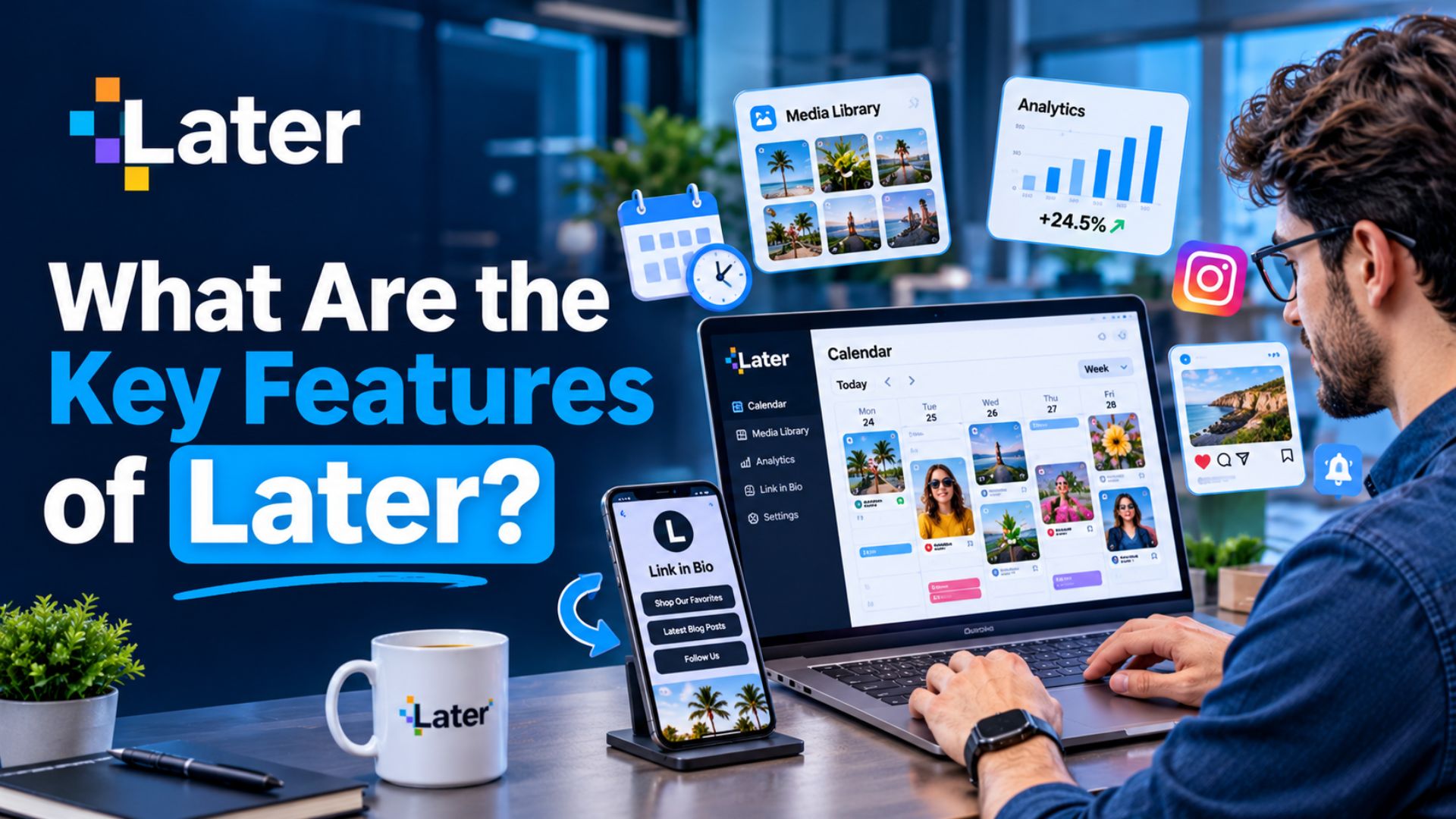
The platform works by allowing users to connect their social media accounts, upload content, organize posts, and schedule publishing through a visual calendar.
Here are the main steps involved:
1. Connect Your Social Media Accounts
Users begin by connecting supported social media profiles to their dashboard. This creates a centralized workspace for managing different accounts.
Depending on the available integrations and account permissions, users can manage content for platforms such as Instagram, Facebook, TikTok, Pinterest, and other supported networks.
2. Upload and Organize Content
After connecting their accounts, users can upload images, videos, and other creative assets to a media library.
Organizing content in one place helps marketers:
Find previously uploaded media quickly.
Prepare content for upcoming campaigns.
Maintain consistent visual branding.
Reuse suitable creative assets.
3. Plan Posts Using a Visual Content Calendar
A visual content calendar helps users see their upcoming posts in a structured layout.
Instead of remembering individual publishing dates, marketers can organize content according to their weekly or monthly campaigns.
This makes it easier to identify scheduling gaps, balance different content formats, and maintain a consistent publishing routine.
4. Schedule and Publish Social Media Posts
Users can prepare captions, select media, choose publishing dates, and schedule content in advance.
This social media scheduling capability reduces repetitive manual work and helps businesses maintain a regular publishing schedule.
Some publishing features may depend on the selected platform, account type, and available integrations.
5. Monitor Content Performance
Analytics features help users understand how their social media content performs.
Depending on the platform and account eligibility, users may be able to review metrics such as:
Engagement rates.
Audience growth.
Post performance.
Reach and impressions.
Content interactions.
These insights help marketers identify successful content formats and make better decisions for future campaigns.
What Are the Key Features of Later?
Several features make the platform useful for everyday social media management.
Visual Content Calendar
The calendar provides an organized overview of scheduled and planned content. Users can review their publishing activities and adjust their content plans when necessary.
Media Library
The media library stores creative assets in one location, making it easier to find and organize images and videos for future campaigns.
Social Media Scheduling
Scheduling tools allow users to prepare content in advance and organize publishing activities across supported social media platforms.
Analytics and Reporting
Performance insights help businesses understand audience engagement and evaluate the effectiveness of their social media strategies.
Link in Bio Tools
Link-in-bio functionality helps creators and businesses direct social media audiences to important destinations, including product pages, websites, and other resources.
How Can Businesses Use Later to Improve Instagram Marketing?
Instagram marketing requires consistent publishing, visually appealing content, and an understanding of audience behavior.
Businesses can use the platform to organize their Instagram activities more efficiently.
Here are some practical ways to use it:
Plan content themes: Organize posts around product launches, promotions, educational content, and brand updates.
Maintain visual consistency: Preview upcoming posts to create a more cohesive profile appearance.
Schedule content in advance: Prepare posts before important campaigns or promotional events.
Review performance: Identify which content receives stronger engagement.
Improve publishing strategies: Use performance insights to refine future content plans.
A structured approach helps businesses maintain an active Instagram presence while spending more time on creative planning and audience engagement.
What Are the Benefits of Using Later?
Using a centralized social media management platform can offer several advantages.
Saves time: Scheduling content in advance reduces repetitive publishing tasks.
Improves organization: A visual calendar makes content planning easier.
Supports consistency: Businesses can maintain regular publishing schedules.
Simplifies collaboration: Teams can organize content and coordinate marketing activities.
Provides performance insights: Analytics help marketers understand what works.
Supports content planning: A centralized media library makes creative assets easier to manage.
These benefits can make social media workflows more organized, especially for businesses managing several accounts or campaigns.
Is Later a Good Social Media Management Tool?
It can be a useful option for creators, businesses, and marketing teams that want to simplify content planning and scheduling.
However, the right platform depends on business requirements, budget, supported social networks, analytics needs, and team size.
Before choosing a plan, consider its current pricing, platform integrations, publishing limitations, and available features.
Frequently Asked Questions (FAQs)
1. What Is Later Used For?
It is used to plan, schedule, publish, and analyze social media content through a centralized management platform.
2. Can You Schedule Instagram Posts With Later?
Yes. Users can prepare and schedule Instagram content, subject to supported publishing formats, account permissions, and platform requirements.
3. Does Later Provide Social Media Analytics?
Yes. Its analytics features provide performance insights that help users understand engagement and evaluate their content strategies. Available metrics depend on the connected platform and account eligibility.
4. Is Later Suitable for Small Businesses?
Yes. Small businesses can use its content calendar, scheduling tools, and media organization features to manage their social media activities more efficiently.
5. Can Later Manage Multiple Social Media Accounts?
Yes. Users can connect supported social media profiles and organize their content management activities from one dashboard, subject to their subscription plan.
Final Thoughts
Managing social media effectively requires more than publishing posts regularly. Businesses also need organized content planning, consistent scheduling, and performance tracking.
A platform that brings these activities together can simplify everyday marketing workflows and help teams work more efficiently. By using visual calendars, scheduling tools, media organization, and analytics, businesses can build a more structured approach to social media management.